






Go to the 'assignments' section of the website.
- Click ' Create' and select 'Single assignment'.
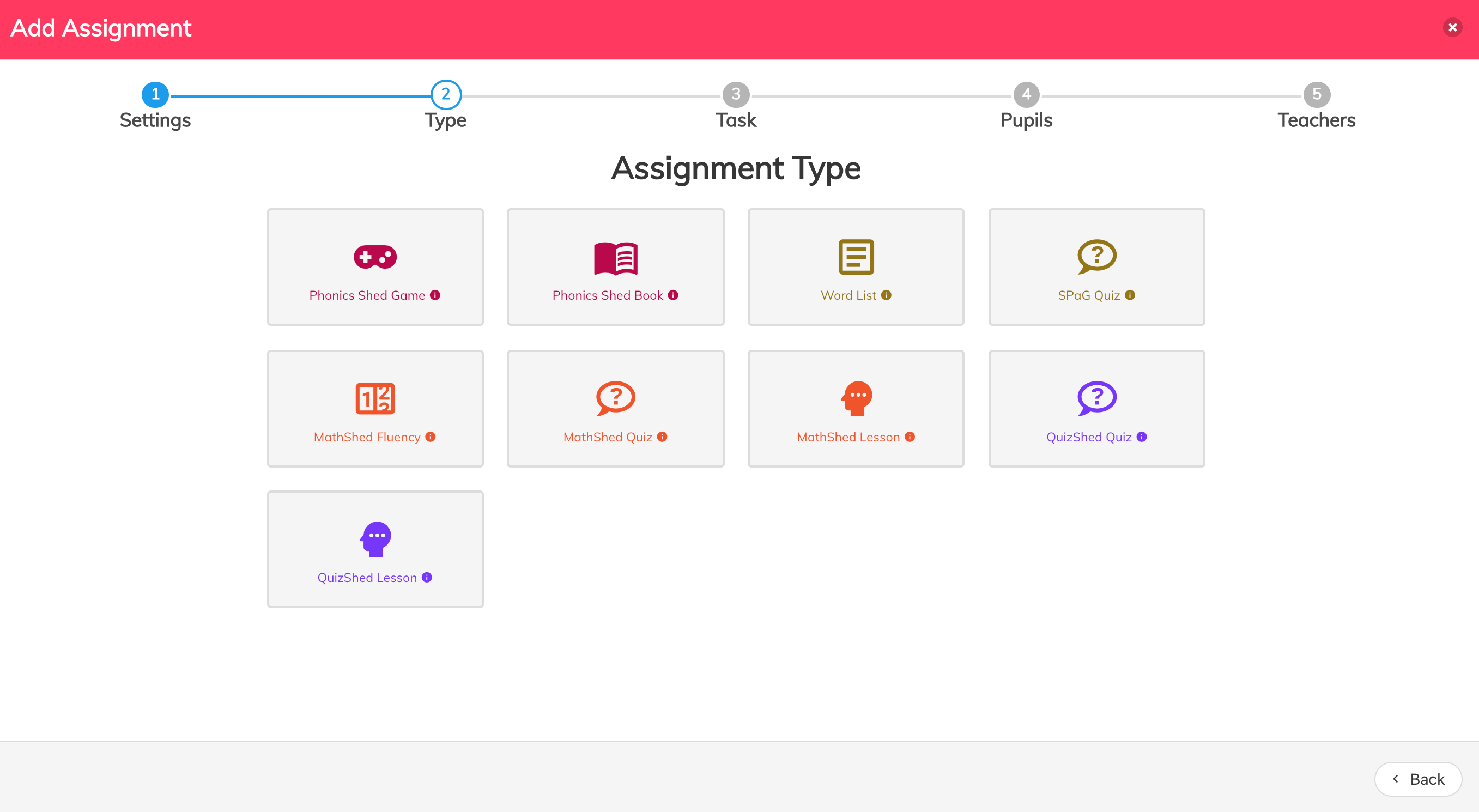
- Select the type of assignment you want to set - either Phonics Shed Game or Phonics Shed Book
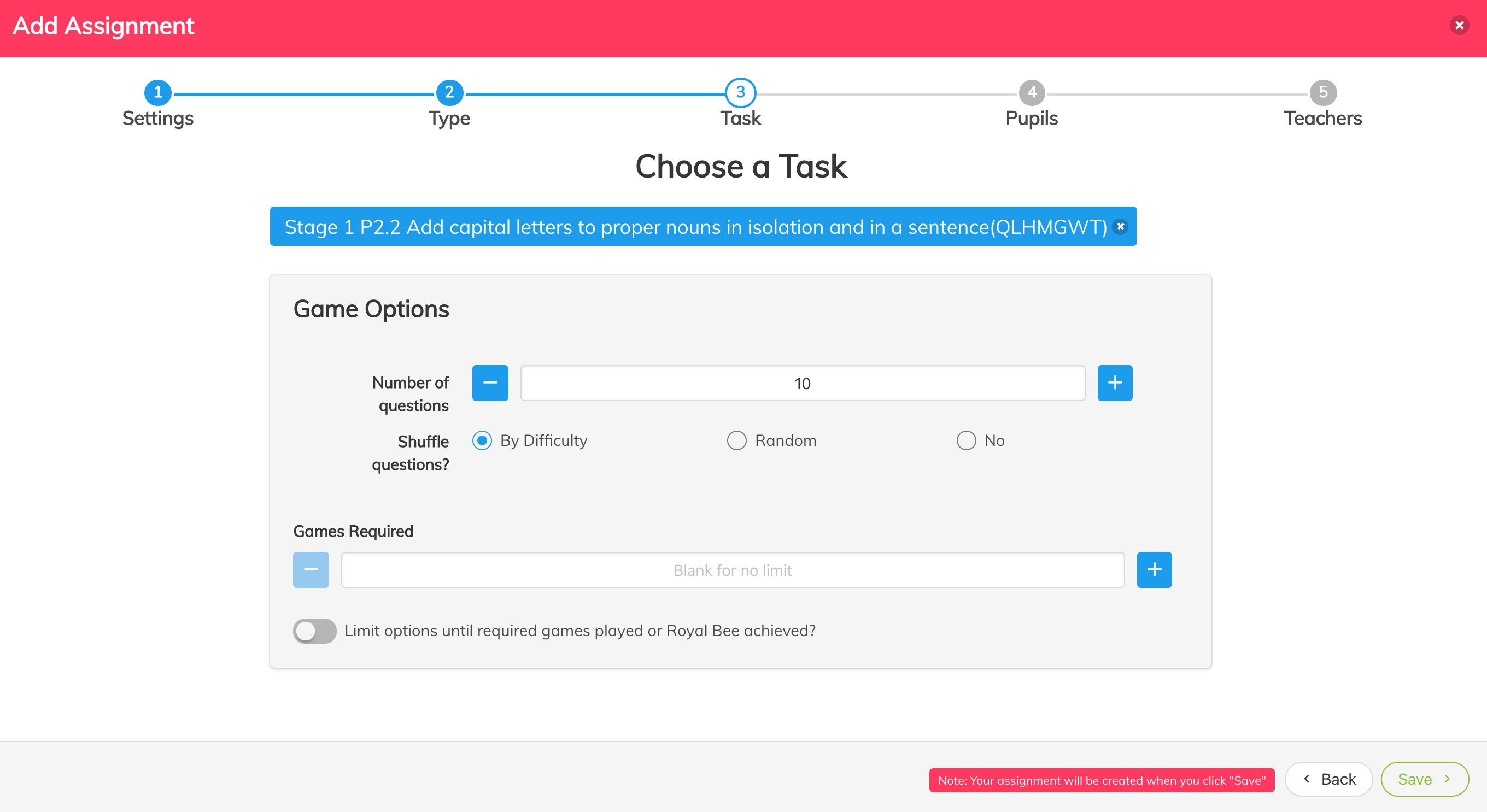
- Choose whether you would like to 'limit options' which will mean that pupils only see your assignment and not the rest of the game screen
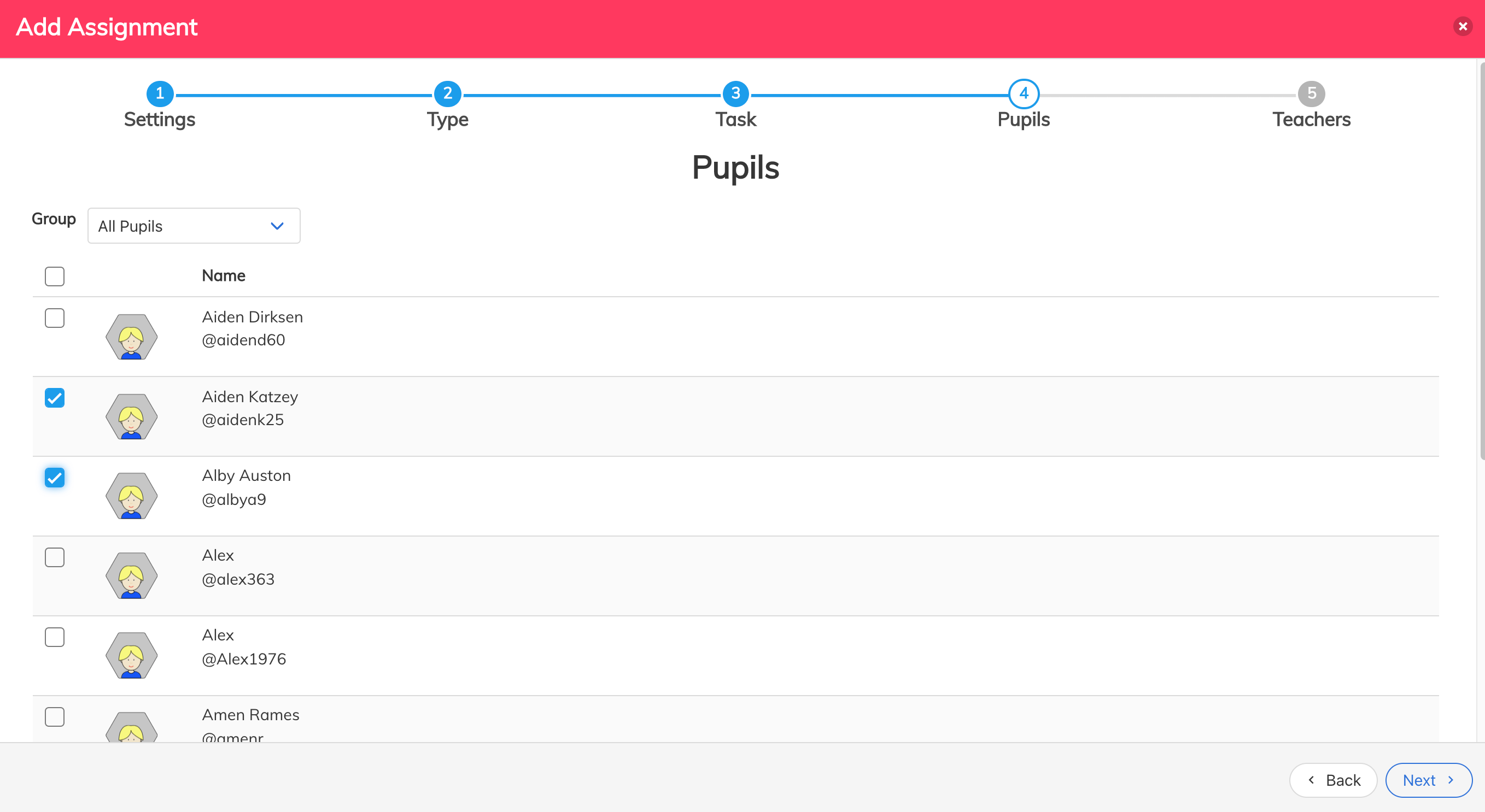
- Then add the pupils you would like to give the assignment to, and click 'next'.
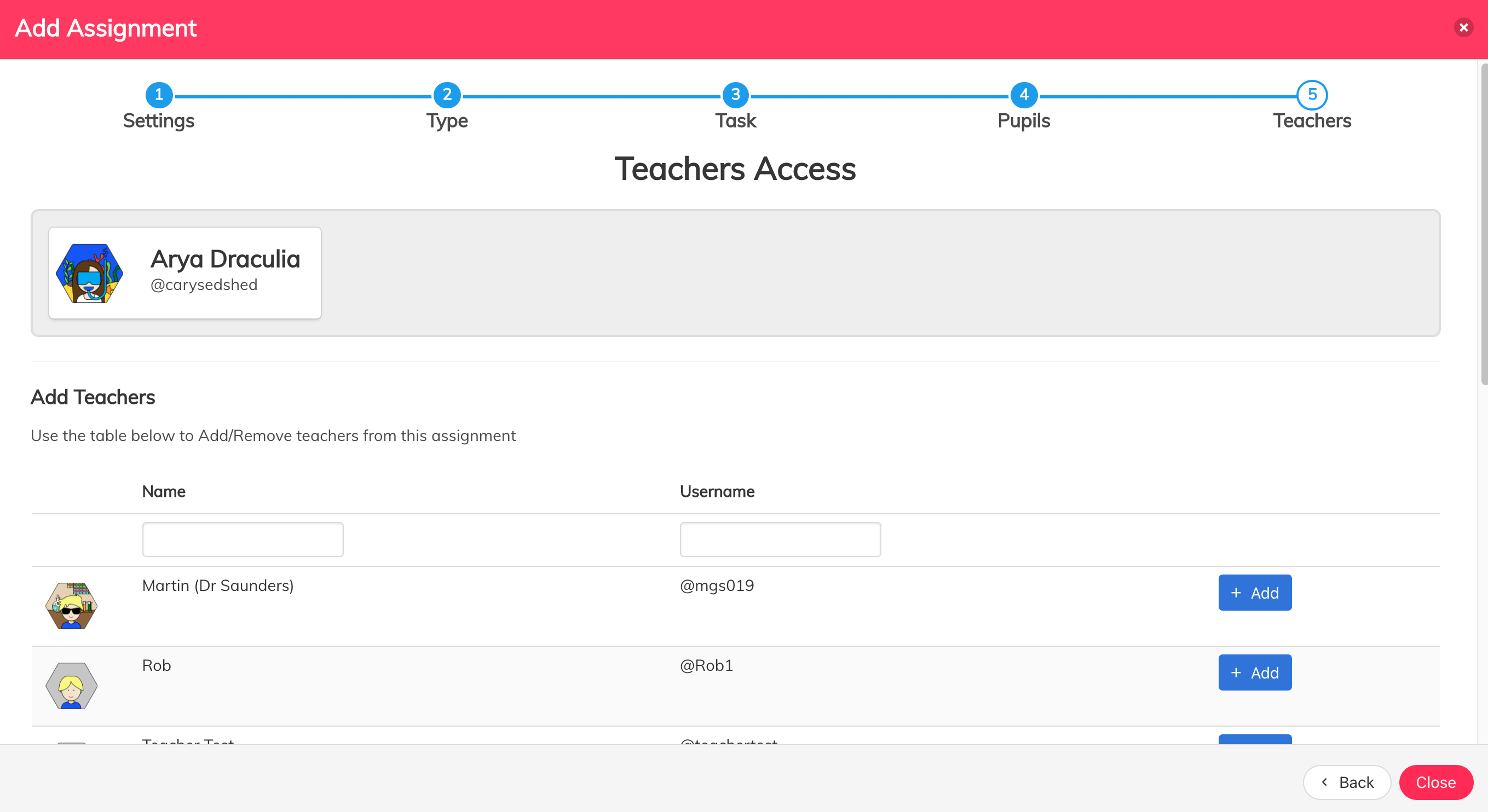
- Finally add any teacher you would like to be able to view the assignment.
See the video below for a tutorial: https://youtu.be/nQWaP6rCj8U