






Go to the 'Groups' page in EdShed.
- Select 'details' next to the group with the pupils you want to assess.
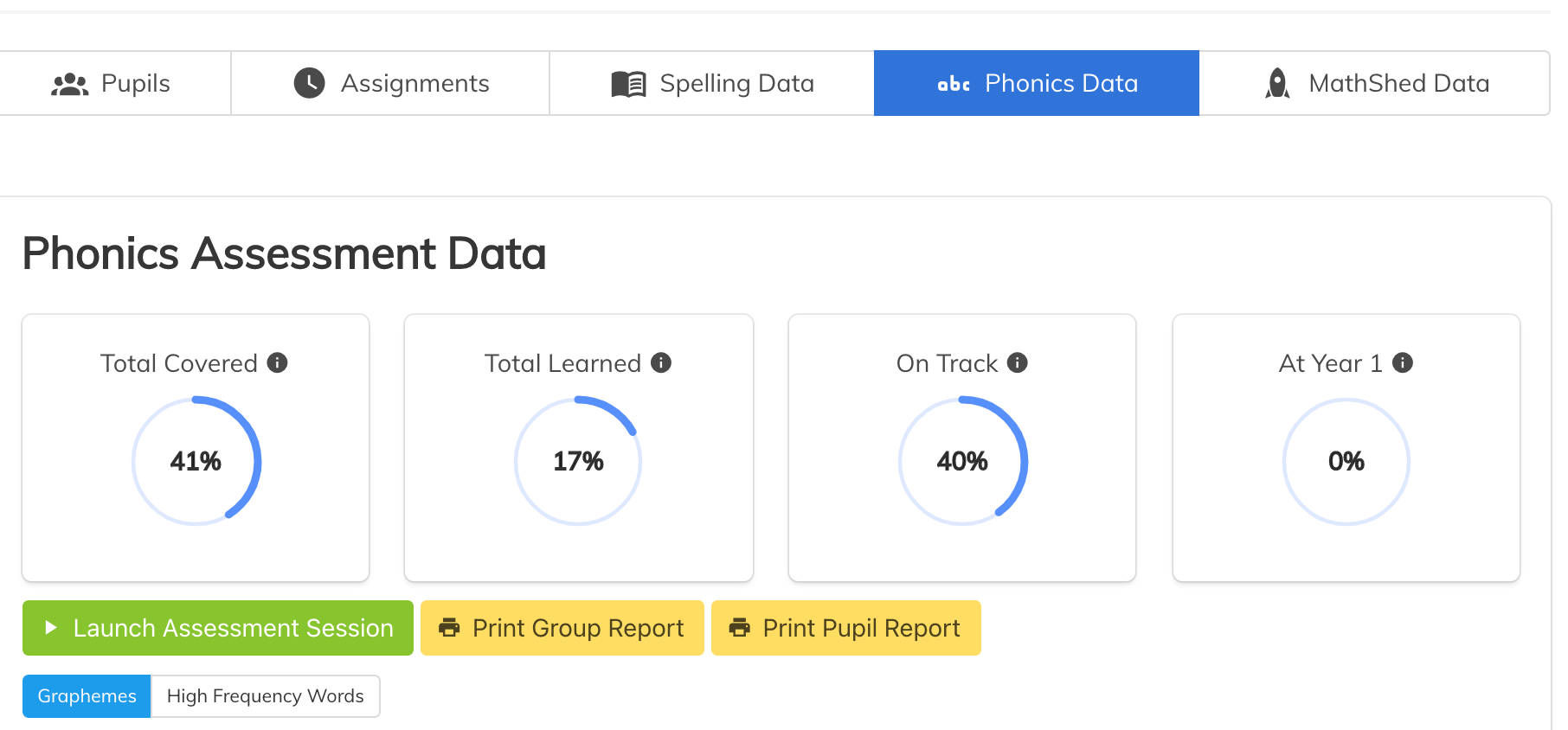
- Click 'Phonics Data'.
- Then you will see the button to 'Launch assessment session'. Follow the instructions on screen.
For a tutorial see this video: